Choosing the right PoE Switch can determine whether a business network feels dependable or constantly strained. A camera may lose connection during peak hours. A wireless access point may receive insufficient power. These failures often begin with an overlooked specification.
Peter Jones, an Ethernet Alliance leader and PoE industry expert, once noted, “Power over Ethernet is not simply about delivering power; it is about building a smarter, more flexible network.” His point remains practical. Businesses must examine IEEE 802.3af, 802.3at, and 802.3bt standards before comparing prices. Each standard supports different power levels and device requirements. A small office may need basic PoE for phones and access points. A warehouse may require PoE+ or PoE++ for cameras, sensors, and advanced wireless systems.
Port count is only part of the decision. Check the total PoE budget, not just the wattage per port. Confirm uplink speeds, VLAN support, cooling design, and management features. A switch with forty-eight ports can still fail if its power budget is too small. Heat matters, especially in a crowded equipment cabinet.
This choice is rarely perfect. Future devices may demand more power than today’s equipment. Paying for excessive capacity can also waste money. A careful buyer should map every powered device, estimate peak demand, and leave practical headroom. Reliability also depends on warranty quality, firmware support, and vendor experience. The cheapest PoE Switch may look efficient initially. It may become expensive when troubleshooting begins.
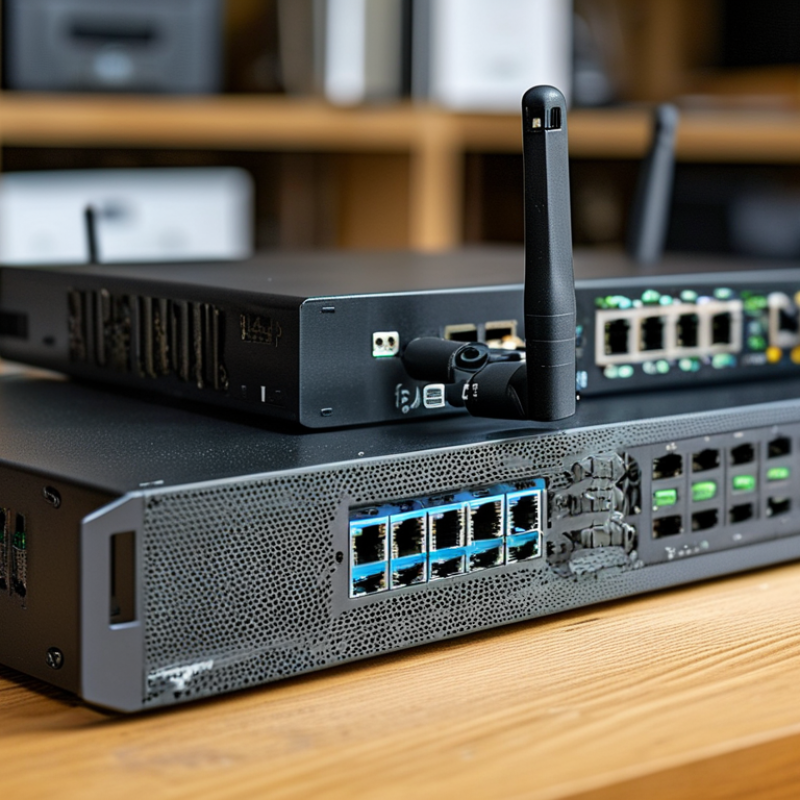
Choosing a PoE switch starts with business goals, not port count. List every powered device, its location, startup demand, and expected growth. Cameras may need steady power, while access points can require higher peak output. IEEE 802.3af supplies up to 15.4 watts per port, 802.3at supplies 30 watts, and 802.3bt can reach 60 or 90 watts. These figures describe switch output, not always the device’s usable power.
Uptime Institute’s Global Data Center Survey identifies power capacity and availability as persistent operational concerns. Your network plan should therefore include PoE budget, uplink speed, redundancy, and backup power. Add each device’s wattage, then keep practical headroom of about 20 percent. A 24-port switch with a 370-watt budget may not support 24 high-power devices simultaneously. I have seen carefully planned installations fail because future devices were ignored. The spreadsheet looked correct. The assumptions were not.
Tips: Walk through the site before buying. Count ceiling devices, cable distances, and nearby outlets. Check whether each endpoint supports the intended IEEE standard. Separate critical devices, such as security cameras, from noncritical displays. Review real traffic data after installation, because theoretical demand can differ from daily use. A modest switch may be safer than an oversized model when management skills and electrical capacity are limited.
How to Choose the Right PoE Switch for Your Business?
A PoE switch must match both your network and the devices it powers. In practice, standards prevent many expensive surprises. IEEE 802.3af supplies up to 15.4 watts per port. IEEE 802.3at raises that limit to 30 watts. IEEE 802.3bt supports higher loads, commonly 60 or 90 watts, depending on the type. A basic security camera may use af, while a multi-radio access point could require at. Read the device label and installation guide. Do not trust the product title alone.
Check the switch’s total power budget, not just its port rating. A 24-port switch offering 30 watts per port may not power 24 devices at full load. Add each device’s maximum draw, then keep roughly 20 percent in reserve. Cable length, startup demand, and cold environments can affect performance. I once underestimated camera heaters and left too little capacity. The spreadsheet looked correct, but the installation was not.
Compatibility also includes data speed, cable quality, and management features. Use suitable Cat5e or better cabling for normal installations, while damaged connectors can still cause failures. Managed switches can report power use, schedule ports, and identify overloads. Look for standards-based PoE rather than passive power, which may damage incompatible equipment. Some devices negotiate power through LLDP, so confirm that feature when required. A small test setup is worthwhile. It can expose firmware, cabling, or power assumptions before the whole building is connected.
Understand PoE standards, power budgets, and device compatibility
How to read this chart: PSE output is the maximum power supplied by the PoE switch port, while PD input is the maximum power available to the connected device after cable losses.
Use 802.3af for lower-power devices such as IP phones and basic cameras, 802.3at for higher-power access points and pan-tilt-zoom cameras, and 802.3bt for devices such as multi-radio wireless access points, video-conferencing systems, and digital signage.
When selecting a switch, ensure that its total power budget is greater than the combined maximum requirements of all connected devices, with additional capacity reserved for future expansion.
Choosing a PoE switch starts with a device inventory, not a guessed port number. Count cameras, access points, phones, and control panels, then reserve 20–30% spare ports. A 16-port switch may serve twelve devices today, but four empty ports disappear quickly during expansion. I have seen offices add printers and wireless access points within months. The original estimate looked reasonable. It was not.
Speed matters at the edge and across the backbone. For ordinary phones and basic cameras, 100 Mbps may work, but gigabit ports provide safer headroom. High-resolution cameras and busy access points can create sustained traffic, especially during uploads or software updates. Check the switch’s total switching capacity, not only each port’s advertised speed. PoE power also matters. Add the wattage of connected devices and compare it with the switch’s usable power budget. Leave margin for cold starts and future upgrades.
Uplink configuration deserves equal attention. Two or more gigabit uplinks can reduce congestion, while 10-gigabit uplinks suit dense wireless networks, video traffic, or multiple switches. Fiber may be preferable between floors because it supports longer distances and electrical separation. Copper is often simpler inside one room. Port counts, speeds, and uplinks must match the cable plant and network core. A technically impressive switch can still be the wrong fit. Recheck real traffic after installation; assumptions often age badly.
Choosing a PoE switch starts with management, not port count. Look for VLANs, QoS, SNMP, role-based access, and detailed event logs. A web dashboard helps, but it should not replace command-line access during an outage. The 2024 Data Breach Investigations Report found that human involvement appeared in 68% of breaches. Separate management traffic from user traffic. Use strong authentication, firmware signing, and automatic alerting for unusual port activity. Small omissions matter.
Reliability requires more than a high uptime claim. Check power budgets, surge protection, fan design, and operating temperature. A switch installed in a hot ceiling cabinet faces different conditions than one in a cooled rack. The 2024 Annual Outage Analysis reported that 54% of serious outages exceeded $100,000 in direct cost. Dual power supplies and link redundancy can reduce exposure, although they increase purchase and maintenance costs. That trade-off deserves an honest calculation. I have seen teams oversize ports but undersize power capacity.
Tips: Count future devices, not only today’s cameras and access points. Reserve at least 20% of the PoE budget for growth. Confirm each device’s required wattage under peak load. For scalability, choose stackable or modular designs, IPv6 support, centralized monitoring, and upgradeable software. The 2024 Cost of a Data Breach Report placed the global average breach cost at $4.88 million. That figure should influence security spending, but it cannot predict every business risk. Test failover before deployment, document recovery steps, and review logs monthly. A spreadsheet helps. It is never perfect.
Installation cost is more than the switch price. Measure cable distances, rack space, power outlets, and technician time before purchasing. A small office may need only eight ports, while cameras and access points can quickly double that number. Leave spare capacity for growth. Replacing an overloaded switch later often costs more than buying suitable capacity now.
Energy efficiency affects daily operating expenses. Check the switch’s total PoE budget, idle power use, and cooling requirements. A model with efficient power delivery can reduce heat inside a crowded cabinet. Lower heat may also extend the life of connected equipment. However, published efficiency figures can vary by workload. Test power consumption during normal use, not only under ideal conditions. Small details matter.
Long-term value depends on reliability, management features, and serviceability. Look for clear monitoring tools, surge protection, automatic power allocation, and support for the required PoE standard, such as 802.3af, 802.3at, or 802.3bt. Record port usage and power demand during the first month. Real data is better than assumptions. I have seen teams overspend on advanced capacity they never used. I have also seen cheap equipment create repeated downtime. The better choice balances present needs, expansion plans, electricity costs, and the consequences of failure. That balance is not always perfect. Review it annually.